Regulations, data and your project, linked
Regulatory packs bring each jurisdiction’s requirements into the platform. Project documents are read into a knowledge graph, so constraints, impacts, commitments and consultees link to one another and to their sources.
What changes
Knowledge & project graph, before and after
Without it
- Guidance and regulations in personal folders
- Search that stops at the file name
- Links between records held in people’s heads
With EcoSphere Intelligence
- Regulatory references curated per jurisdiction
- Full-text search across every ingested document
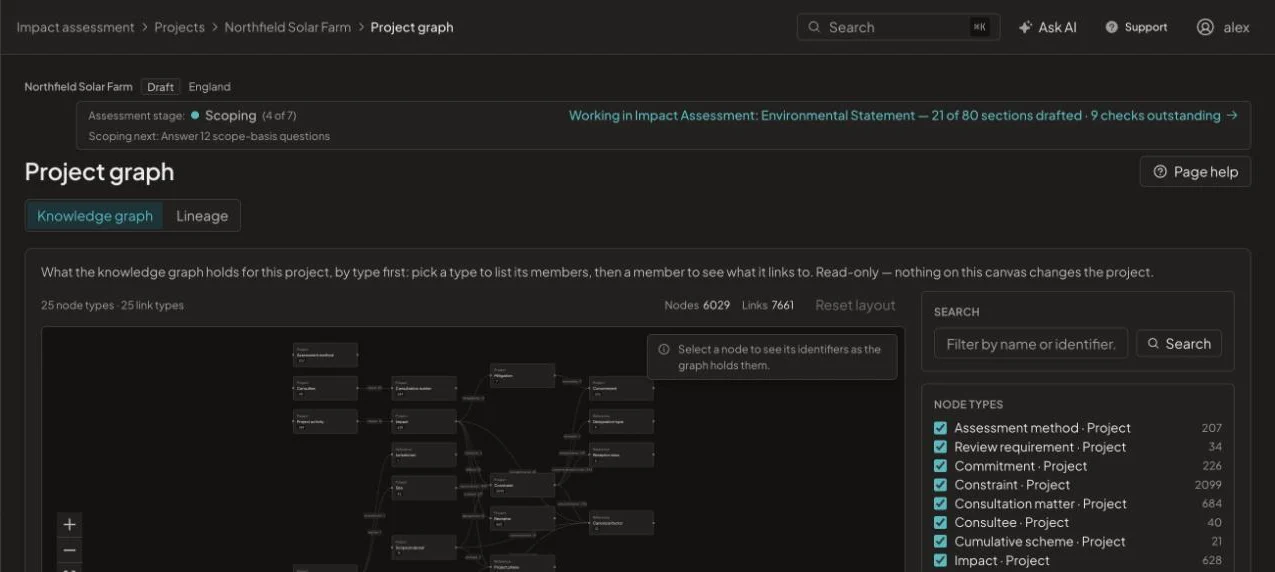
- A graph of how each record connects to the rest
6,029 linked records in the knowledge graph of one pilot project.
Regulatory packs
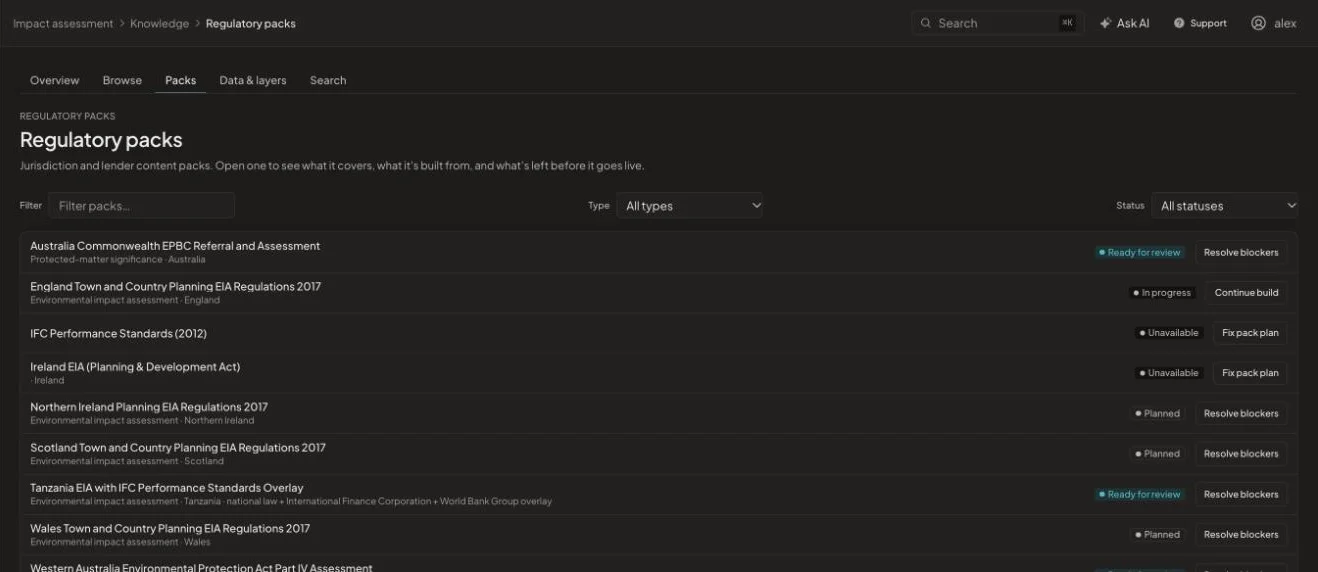
Packs hold the regulations, guidance and checks for a jurisdiction and drive screening and scoping. England’s Town and Country Planning EIA Regulations 2017 comes first; packs for the rest of the UK, Australia and an IFC Performance Standards overlay are in development.
Documents that become data
Upload PDFs, Word files, spreadsheets and GIS data, or link a SharePoint library. Text is extracted into entities and relations, while spreadsheets, images and spatial data are kept as evidence.
How it works
From start to issue in four steps
- 1
Enable a pack
Choose the jurisdiction and lender packs your project needs.
- 2
Ingest documents
Files are read, chunked and linked to the project.
- 3
Explore
Browse the graph by type, or trace a record’s lineage.
- 4
Ask
Search across the project and its regulations.
See it on one of your projects
Book a 45-minute walkthrough. Bring a live or recent assessment and we will show you how it would run in EcoSphere Intelligence.